Website Maintenance vs Website Development: What's the Difference?
Cloudesk Editorial · October 11, 2026
Teams argue about maintenance vs development because invoices use those words inconsistently. Operationally: maintenance preserves and corrects; development creates new capability. Both consume hours. Both need QC.
Maintenance is keeping the plane in the air. Development is adding a new engine. You need both; pretending maintenance is free is how sites fall over during campaigns.
If updates never get hours, you do not have a website strategy — you have a countdown to an incident.
Let’s talk about website maintenance vs development the way operators talk about it: trade-offs, failure modes, and what “good” looks like when money and time are both limited.
Maintenance work examples
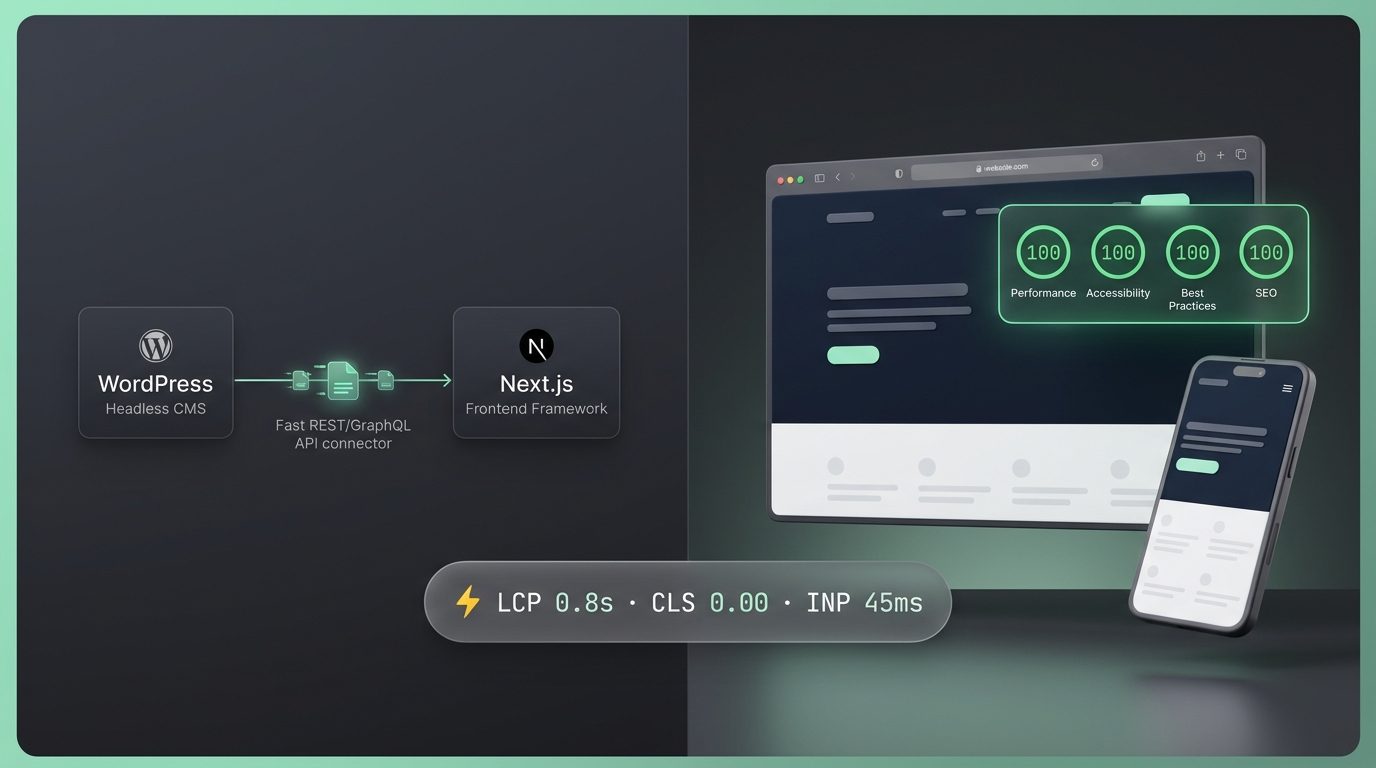
Updates, backup verification, broken form fixes, SSL/redirect hygiene, content structural fixes, dependency patches, uptime firefighting.
Development work examples
New templates, funnel experiments, integrations, redesign sections, custom features, migrations.
Why splitting vendors can hurt
One vendor “maintains” while another “builds” often creates blame loops. A single Website Developer seat with a PM can sequence both on one project — as long as you prioritize explicitly.
Capacity planning
If maintenance alone needs 10 hours/month and growth needs 30, a Weekly 40h or Monthly 80h package can cover the blend. Starving maintenance for campaigns creates outages during launches.
Redesign boundary
A full redesign may deserve a dedicated project stream. Your PM should say when “maintenance” has become “rebuild.” Honesty here protects dates.
Maintenance vs development
| Type | Goal | Failure mode |
|---|---|---|
| Maintenance | Keep healthy | Ignored until breach |
| Development | Add capability | Scope creep |
| Blended seat | Both sequenced | No priorities |
What I’d do in the first two weeks
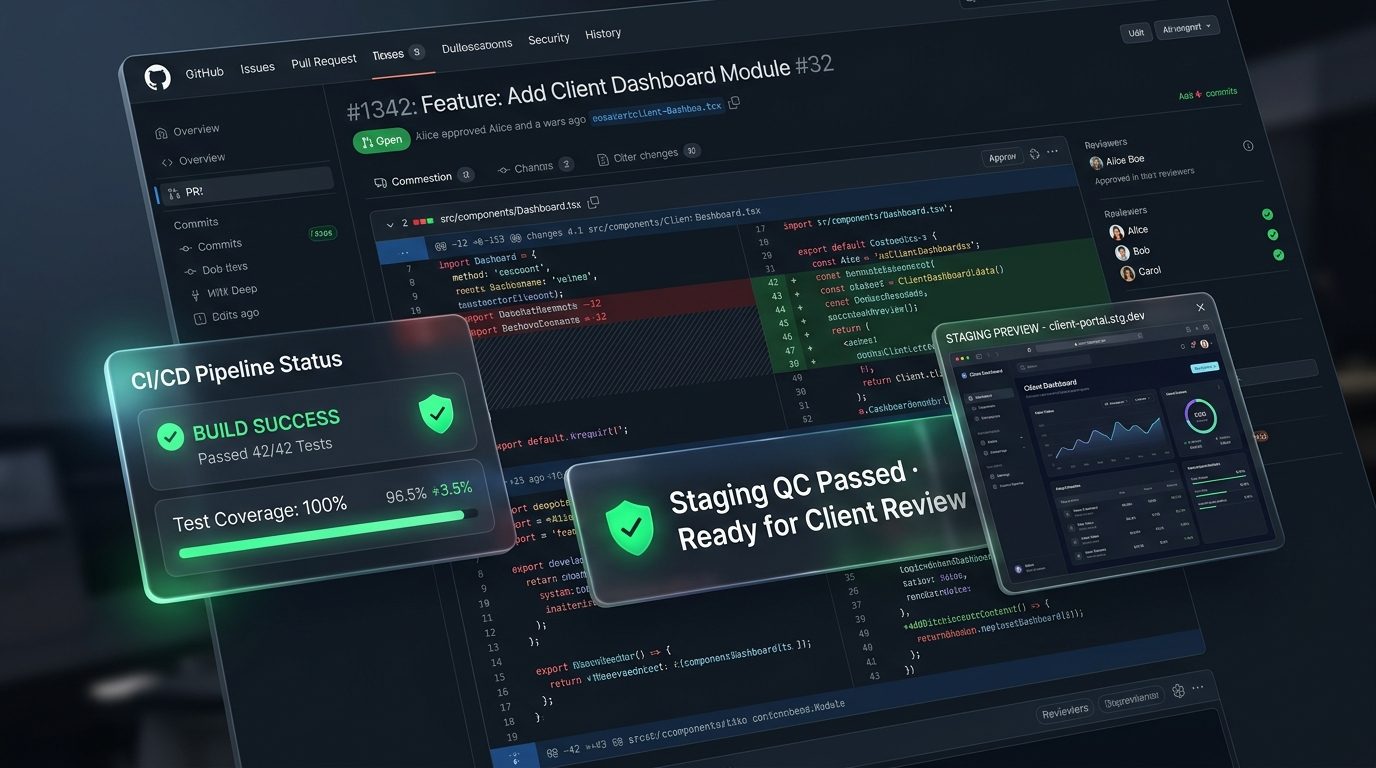
Week one: write one outcome tied to website maintenance vs development, configure the smallest honest seat, and confirm a checklist with a Project Manager before anyone “just starts.” Week two: ship a thin slice, review against the checklist, and only then decide to upgrade hours or add another role. If week one is all meetings and no confirmed scope, stop and fix that — more people will not help.
Mistakes that quietly burn money
1. Buying a redesign without a conversion goal
Pretty is not a KPI. Tie website work to leads, demos, or support deflection.
2. Ignoring mobile flows
If the money path breaks on phones, desktop polish does not matter.
3. Treating maintenance as optional
Unpatched themes/plugins become security and SEO debt.
4. Hiring the wrong role for the stack
WordPress marketing sites and custom app UIs need different seat skills — configure honestly.
Before you pay anyone
Run through this once — out loud if you have a co-founder:
- What business outcome should the site move in 30 days?
- WordPress, Shopify, or custom React/Next.js?
- Is this maintenance, net-new build, or redesign?
- Weekly vs Monthly based on update cadence?
- Do we also need a Graphic Designer seat?
Where Cloudesk fits
On Cloudesk you are not buying a mystery retainer. You buy a seat with clear hours, a dedicated Project Manager, and Baseline QC on every delivery.
New clients get 30% off the first purchase total. Autopay is optional. Cancel at period end from Billing. Skills on a role are configuration at +$0, not nickel-and-dime add-ons.
For website maintenance vs development, start with a Website Developer seat, confirm a 14-day checklist with your PM, and add Design only when brand/UX work is blocking launch.
Related seat: Website Developer · configure on Pricing.
FAQ
How does Cloudesk handle website maintenance vs development?
Through a Website Developer subscription seat with skill stacks like WordPress, Shopify, WooCommerce, React, and Next.js. Your PM scopes checklists; Baseline QC is included.
Are WordPress skills extra cost?
No. Role skills are selected at +$0 when you configure the seat.
Can I mix WordPress and Next.js?
Yes when it is one active project and scoped honestly — migrations need checklist care.
Where do I start?
Open /roles/website-developer, then configure hours on /pricing. First purchase is 30% off.
Do plugin licenses cost extra?
Third-party licenses/hosting are separate. Labour capacity is the seat package.
Can I try before I build a whole team?
Yes. Start with one Weekly or Monthly seat tied to website maintenance vs development, run two checklist cycles, then add seats only when a second stream is blocked.
Next step
If website maintenance vs development is your bottleneck this month, see pricing and start with one clear checklist — first purchase is 30% off.
Need a AI & LLM Integration Developer?
Build production LLM pipelines, autonomous reasoning agents, vector RAG search, and custom ML workflows. Hire pre-vetted senior talent on flexible weekly or monthly subscriptions. Save up to 60% vs. in-house US payroll with zero recruiter fees and no long-term lock-in.
Explore Popular Engineering Roles