How to Hire a WordPress Developer on a Monthly Basis
Cloudesk Editorial · October 11, 2026
Hiring a WordPress developer on a monthly basis is the right move when your site is a living system: new landing pages, plugin updates, WooCommerce tweaks, performance fixes, and SEO-structure changes. A one-off freelance sprint can launch a theme. Monthly capacity keeps the site compounding.
WordPress sites die from neglect more than from bad first themes. Monthly capacity is how campaign pages and plugin updates stop fighting each other.
Give them staging access, a content owner, and a ranked list. WordPress thrives on rhythm, not heroics.
Most teams researching hire WordPress developer monthly already know the pain — missed weeks, fuzzy scope, or a hire that takes forever. What they need is a clear way to choose a model and start.
Why monthly WordPress retainers fail — and seats work
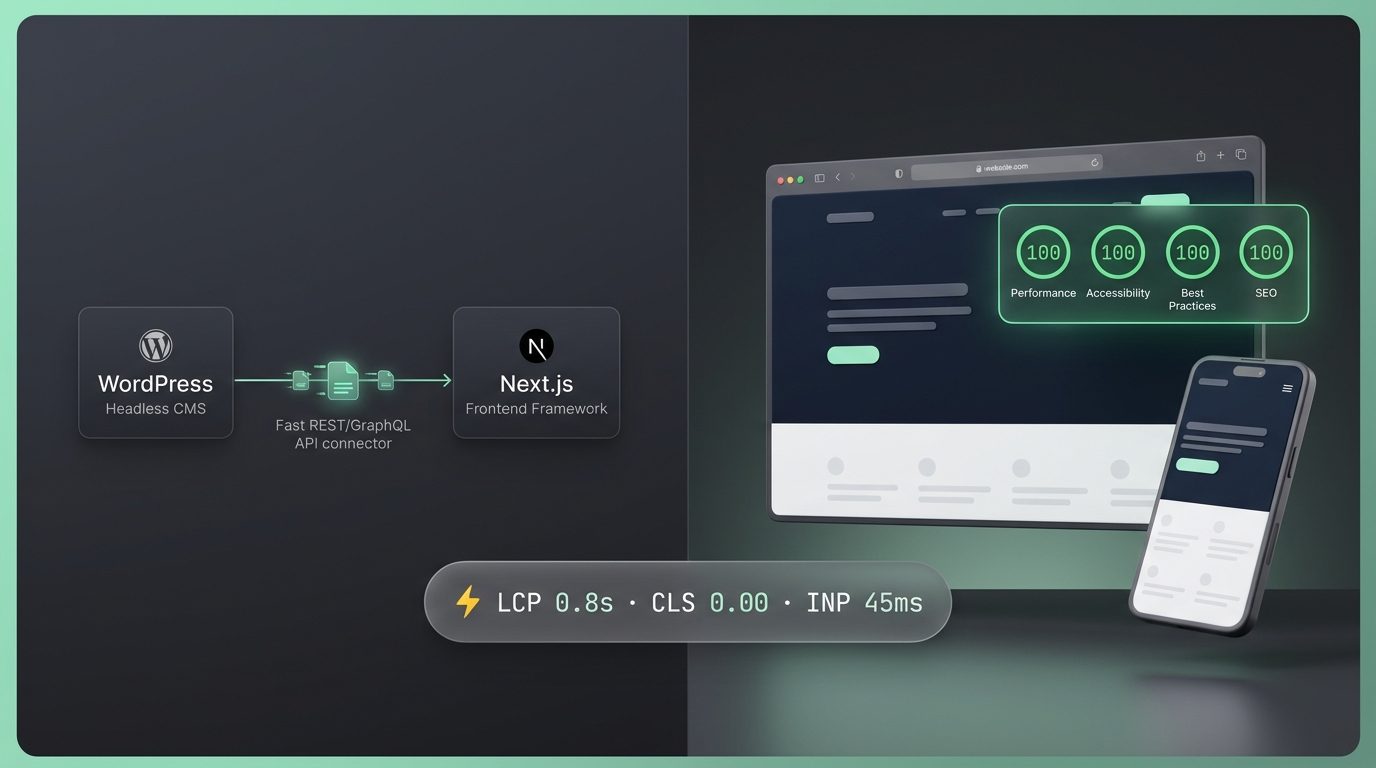
Classic retainers often hide hours and swap juniors without notice. A subscription seat makes the package explicit: Weekly or Monthly hours, a Project Manager, and mandatory Baseline QC.
On Cloudesk, WordPress is a skill on the Website Developer role — not a separate freelance board. You configure the seat, pay (first purchase 30% off), and start scoping in chat.
- Pick Website Developer + WordPress skill
- Choose Monthly 80h/160h for ongoing work
- Confirm checklists before estimates
- Keep staging + production access organized for the PM
What a monthly WordPress developer should own
Theme/template work, block patterns or builder structure, plugin evaluation, WooCommerce flows, Core Web Vitals fixes, accessibility basics, and content model hygiene. They should not silently own your hosting bill without agreement — clarify environments.
Security, updates, and content velocity
Monthly WordPress without updates is negligence. Budget hours for core/plugin/theme updates and backups verification. Separately budget hours for growth pages. Your PM can sequence both so “urgent lead form” does not forever displace patching.
When to add Design or Shopify skills
If brand systems and page design are blocking build, add a Graphic Designer seat. If commerce is Shopify-first, select Shopify on the Website seat instead of forcing WordPress dogma.
Acceptance criteria that prevent WordPress drama
Define templates, breakpoints, form destinations, SEO fields, and editor experience. “Make it nice” is not a checklist item. “Editor can add a case study without breaking spacing” is.
Monthly WordPress hiring options
| Option | Pros | Cons |
|---|---|---|
| Freelance monthly hours | Flexible | You are the PM/QA |
| Agency retainer | Account layer | Cost + opacity risk |
| Cloudesk Website seat | PM + QC + fixed package | One active project per seat |
How to tell the advice is working
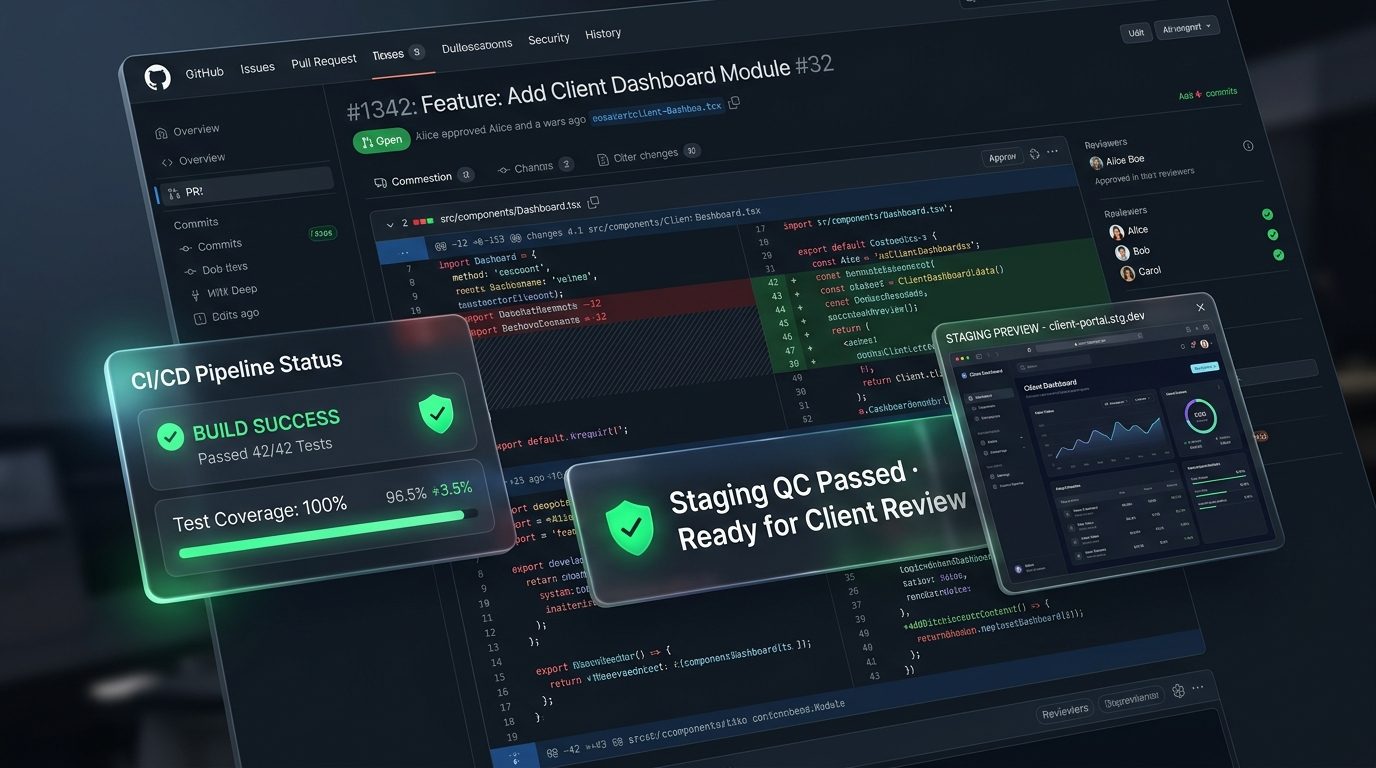
You will know your approach to hire WordPress developer monthly is working when three things improve together: checklist items get accepted without drama, escaped bugs drop after QC, and you spend fewer hours chasing status. Invoice size alone is a lazy scorecard.
Mistakes that quietly burn money
1. Buying a redesign without a conversion goal
Pretty is not a KPI. Tie website work to leads, demos, or support deflection.
2. Ignoring mobile flows
If the money path breaks on phones, desktop polish does not matter.
3. Treating maintenance as optional
Unpatched themes/plugins become security and SEO debt.
4. Hiring the wrong role for the stack
WordPress marketing sites and custom app UIs need different seat skills — configure honestly.
Before you pay anyone
Run through this once — out loud if you have a co-founder:
- What business outcome should the site move in 30 days?
- WordPress, Shopify, or custom React/Next.js?
- Is this maintenance, net-new build, or redesign?
- Weekly vs Monthly based on update cadence?
- Do we also need a Graphic Designer seat?
Where Cloudesk fits
On Cloudesk you are not buying a mystery retainer. You buy a seat with clear hours, a dedicated Project Manager, and Baseline QC on every delivery.
New clients get 30% off the first purchase total. Autopay is optional. Cancel at period end from Billing. Skills on a role are configuration at +$0, not nickel-and-dime add-ons.
For hire WordPress developer monthly, start with a Website Developer seat, confirm a 14-day checklist with your PM, and add Design only when brand/UX work is blocking launch.
Related seat: Website Developer · configure on Pricing.
FAQ
How does Cloudesk handle hire WordPress developer monthly?
Through a Website Developer subscription seat with skill stacks like WordPress, Shopify, WooCommerce, React, and Next.js. Your PM scopes checklists; Baseline QC is included.
Are WordPress skills extra cost?
No. Role skills are selected at +$0 when you configure the seat.
Can I mix WordPress and Next.js?
Yes when it is one active project and scoped honestly — migrations need checklist care.
Where do I start?
Open /roles/website-developer, then configure hours on /pricing. First purchase is 30% off.
Do plugin licenses cost extra?
Third-party licenses/hosting are separate. Labour capacity is the seat package.
Can I try before I build a whole team?
Yes. Start with one Weekly or Monthly seat tied to hire WordPress developer monthly, run two checklist cycles, then add seats only when a second stream is blocked.
Next step
- Hire a Website Developer on subscription
- Website / WordPress pricing
- Compare hiring models
- Hire a Graphic Designer
When you are done comparing tabs on hire WordPress developer monthly, configure a Cloudesk seat and judge it on shipped work.
Need a AI & LLM Integration Developer?
Build production LLM pipelines, autonomous reasoning agents, vector RAG search, and custom ML workflows. Hire pre-vetted senior talent on flexible weekly or monthly subscriptions. Save up to 60% vs. in-house US payroll with zero recruiter fees and no long-term lock-in.
Explore Popular Engineering Roles